Setting Up a Development Environment
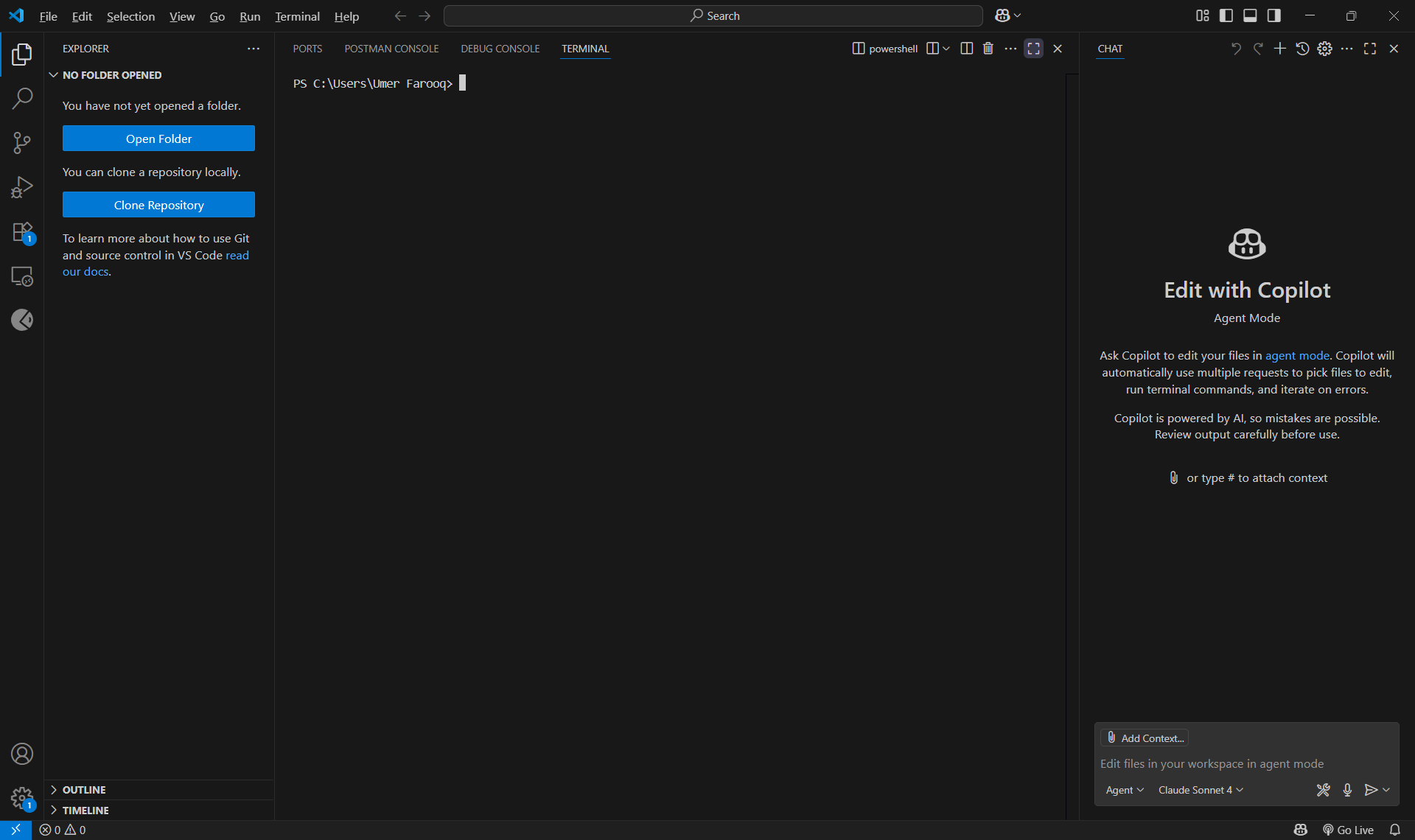
Setting Up a Development Environment
Creating an Efficient Development Environment
Setting up a productive development environment is crucial for any programmer. In this post, I’ll share my current setup and the tools that help me stay productive.
Code Editor: Visual Studio Code
I’ve settled on VS Code as my primary editor due to its excellent extension ecosystem and built-in features.
Essential Extensions
Here are the extensions I consider must-haves:
1
2
3
4
5
6
7
8
{
  "recommendations": [
    "ms-python.python",
    "bradlc.vscode-tailwindcss",
    "esbenp.prettier-vscode",
    "ms-vscode.vscode-typescript-next"
  ]
}
Custom Settings
My settings.json includes these productivity boosters:
1
2
3
4
5
6
7
8
9
{
  "editor.formatOnSave": true,
  "editor.codeActionsOnSave": {
    "source.organizeImports": true
  },
  "workbench.colorTheme": "One Dark Pro",
  "editor.fontFamily": "Fira Code",
  "editor.fontLigatures": true
}
Terminal Setup
I use Windows Terminal with PowerShell 7 for better compatibility and features.
Useful Aliases
1
2
3
4
5
6
7
8
9
# Git shortcuts
function gs { git status }
function ga { git add $args }
function gc { git commit -m $args }
function gp { git push }

# Directory navigation
function ll { Get-ChildItem -Force }
function .. { Set-Location .. }
Version Control
Git configuration that saves time:
1
2
git config --global user.name "Your Name"
git config --global user.email "your.email@example.com"
Package Managers
- Node.js: Using npm/yarn for JavaScript projects
- Python: pip with virtual environments
Key Takeaways
- Consistency: Use the same tools across projects
- Automation: Set up formatters and linters to run automatically
- Customization: Tailor your environment to your workflow
- Documentation: Keep notes on your setup (like this post!)
A well-configured development environment can significantly boost productivity and reduce friction when switching between projects.
What tools are essential in your development setup? Share your must-have extensions and configurations in the comments!
This post is licensed under CC BY 4.0 by the author.